
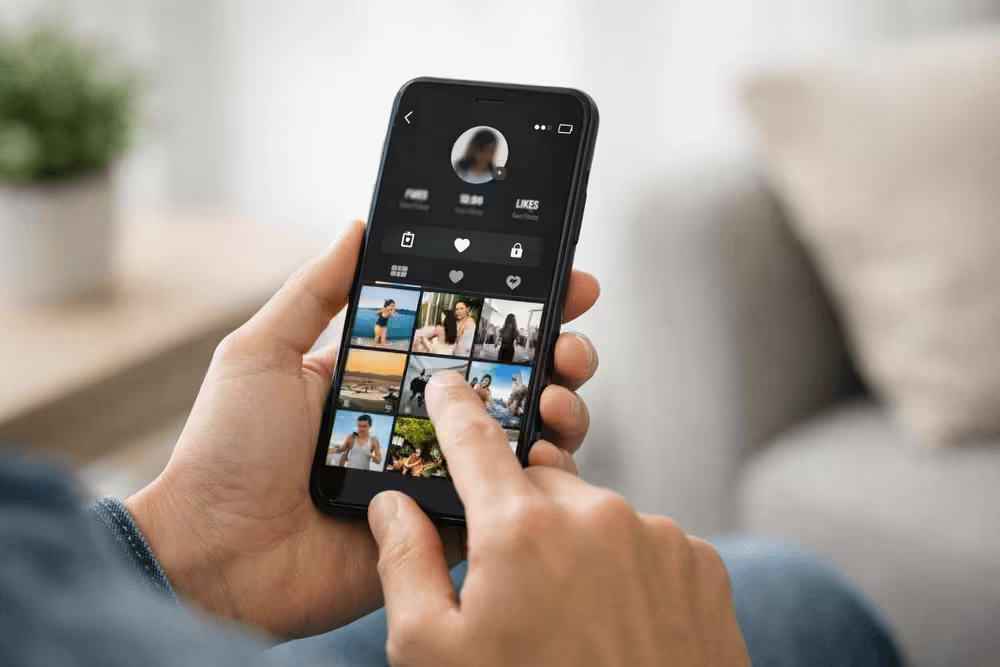
TikTok is a huge platform for creators and businesses. It has millions of users. People wonder who’s viewing their profile and videos.
Knowing who’s interested in your content is key. TikTok offers TikTok analytics to track your performance. These analytics help you understand your audience better.
By using these analytics, you can improve your content. This way, you can reach more people.
Let’s explore TikTok profile views and how to use them to your advantage.
Understanding TikTok’s Analytics Features
Getting to know your TikTok performance is easier with the platform’s analytics features. These tools give you insights into how your content does. This helps you make smart choices for your TikTok strategy.
Basic Analytics Available to All Users
TikTok gives basic analytics to everyone. It shows how your content is doing. You can see video views, likes, comments, and shares. Here’s how to get to these analytics:
- Open the TikTok app and go to your profile page.
- Tap the three dots in the top right corner to access your settings.
- Select “Creator tools” or “Analytics” depending on your account type.
- View your analytics dashboard to see an overview of your performance.
Differences Between Personal and Business Accounts
While all TikTok users get basic analytics, business accounts have more. They offer:
- Detailed viewer demographics, such as age, gender, and location.
- Insights into how users interact with your content, like watch time and average view duration.
- The ability to track individual video performance and find top content.
To get these advanced analytics, switch to a business account. Here’s how:
- Go to your TikTok profile and tap the three dots to access settings.
- Select “Manage account” and then “Switch to Business Account.”
- Follow the prompts to set up your business account.
By using TikTok’s analytics, you can improve your content strategy. This boosts your performance on the platform.
Can You See Who Views Your TikToks and Profile?
Many TikTok users wonder if they can see who views their content. Some are curious, while others are worried about privacy. Let’s explore what TikTok says about profile and video views.
The Official Answer from TikTok
TikTok clearly states that you can’t see who views your profile or videos. Their support pages say you can only see the total number of views on your videos and profile.
Key Points from TikTok’s Official Answer:
- No feature to see individual profile viewers
- No feature to see who’s viewed individual videos
- Total view counts are available for videos and profiles
What Information Is Actually Available
Even though TikTok doesn’t show who views your content, there are some analytics for business and creator accounts. These include:
- Video Views: The total number of views on your videos.
- Profile Views: The total number of views on your profile.
- Follower Growth: Insights into how your follower count is changing.
Business and creator accounts get more insights, like audience demographics and engagement metrics. But, these insights are general and don’t show who viewed your content.
It’s important to understand these limits to manage your expectations about TikTok viewers. You can’t see who views your TikToks. But, you can use the analytics to improve your content and grow your audience.
How to Enable Profile View History on TikTok
To see who’s been checking out your TikTok profile, you’ll need to enable the profile view history feature. This lets you track who’s interested in your content. First, let’s look at how to access your TikTok privacy settings.
Accessing Your TikTok Privacy Settings
To enable profile view history, you need to go to your TikTok privacy settings. Here’s how:
- Open the TikTok app on your device.
- Tap on the Profile icon at the bottom right corner.
- Tap on the three dots at the top right corner to access your account settings.
- Select Privacy and settings from the menu.
Step-by-Step Instructions to Turn On Profile Views
Once you’re in your privacy settings, follow these steps to enable profile view history:
- Scroll down to the Privacy section.
- Tap on Profile Views.
- Toggle the switch to enable Profile View History.
How to Check Who Viewed Your Profile
After enabling profile view history, you can check who has viewed your profile by following these steps:
- Go back to your profile page.
- Tap on the three dots at the top right corner.
- Select Profile Views from the menu.
- You will see a list of users who have viewed your profile.
Limitations of the Profile View Feature
The profile view history feature is useful but has some limits. It only shows users who viewed your profile recently. Also, if a user has a private account or hasn’t enabled profile view history, you won’t see their views.
It’s also worth noting that TikTok may update its features and settings, so it’s a good idea to check the app regularly for any changes.
Analyzing Your TikTok Video Views
Looking at your TikTok video views can give you key insights. It helps you know how to make your content better. This way, you can connect more with your audience.
Navigating the Video Analytics Dashboard
TikTok’s analytics dashboard is a great tool. It shows how your videos are doing. To use it, you need a TikTok Pro account, which is free.
With a Pro account, go to the “Analytics” section on your profile. The dashboard gives you a quick look at your video views. It shows total views, average watch time, and how well your audience stays engaged. These numbers are important for seeing if your content is working and where you can get better.
Interpreting Viewer Demographics and Behavior
Knowing who watches your videos is crucial. TikTok’s analytics tell you about your viewers’ age, location, and interests. This info helps you make content that speaks to your audience, leading to more engagement and views.
By looking at how long people watch and if they stick around, you learn what works. This data helps you decide what to make next.
What Video Views Don’t Tell You About Your Audience
Video views are important, but they don’t tell everything. They don’t show what viewers want or what they do after watching. To really understand your audience, look at other metrics and analytics.
- Engagement metrics like likes, comments, and shares give more insight into how people interact with your content.
- Audience retention graphs show which parts of your videos are most interesting.
- Demographic data helps you see if your content is reaching the right people.
Third-Party Apps Claiming to Show Profile Viewers
Third-party apps that claim to show who’s viewing your TikTok profile can be tempting. But, they often pose serious risks to your privacy and account safety.
Why Most Third-Party Viewer Apps Don’t Work
Most third-party apps that promise to show your TikTok profile viewers don’t deliver. TikTok’s API policies are strict, and these apps often break them. This can lead to your account being banned or your data stolen.
These apps might ask for your TikTok login details. This can put your account at risk of hacking or misuse. Always be wary of apps that seem too good to be true.
Potential Risks and Privacy Concerns
Using third-party apps to view your TikTok profile viewers can be dangerous:
- Data theft: Your login details can be stolen and used for harm.
- Account banning: Breaking TikTok’s API rules can get your account banned.
- Malware: Some apps might have malware that can damage your device.
Protecting your privacy on TikTok is key. Stay away from third-party apps that claim to show profile viewers. Instead, focus on making great content and using TikTok’s built-in analytics tools.
Privacy Considerations for TikTok Users
When you’re on TikTok, it’s key to think about your privacy settings. This helps you control what others see of you online. With so many users and personal data shared, keeping your privacy safe is very important.
How to Protect Your Privacy on TikTok
To keep your privacy on TikTok, start by tweaking your account settings. You can make your account private. This means only people you approve can see your videos. To do this, go to your profile, tap the three dots, and change your settings.
Also, think about who can see your activity. TikTok lets you pick who sees your liked videos and profile views. Make sure you’re okay with who sees this info.
Understanding Who Can See Your Activity
Even with a private account, some info is still public. This includes your profile picture, bio, and how many followers you have. Be careful about what you share in these areas.
TikTok’s TikTok analytics show how your account is doing. They include profile views and video engagement. While useful, they also mean TikTok tracks how you use the app. Reading TikTok’s privacy policy can help you understand how your data is used.
To boost your privacy, try these tips:
- Be careful with personal info in your videos and profile.
- Check your account settings often to make sure they’re right for you.
- Use TikTok’s tools to manage your online presence.
By taking steps to protect your privacy and knowing how TikTok works, you can have a safer and more fun experience on the app.
Making the Most of TikTok Without Viewer Information
TikTok doesn’t give you details on who watches your videos. But, you can still do well on the platform. Create content that is high-quality and grabs your audience’s attention.
To get more views on your TikTok videos, use the right hashtags. Post regularly and talk to your followers. Look at your video views to see what works best. Then, change your strategy to fit what your audience likes.
Use TikTok’s special features like Duets and Reactions to get more people involved. Work with other creators to reach more people. By making great content and talking to your followers, you can grow your TikTok presence. You don’t need to know who’s watching to do well.