
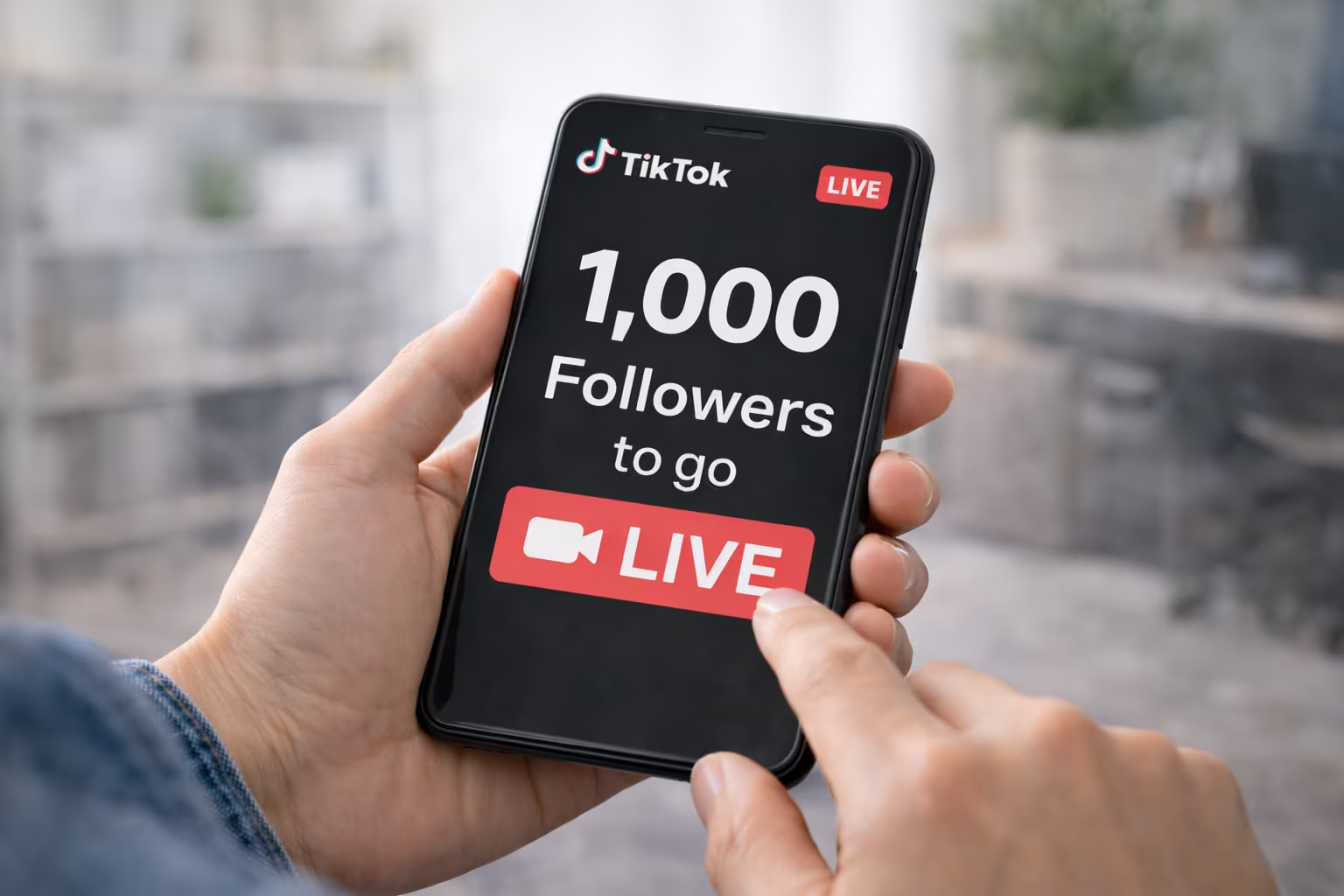
If you’re wondering how many followers you need to go live on TikTok, you’re not alone. For creators and small businesses, TikTok LIVE can turn a casual scroll into a real conversation. It’s a simple way to answer questions in real time, show products, and build trust fast.
TikTok LIVE is a real-time broadcast inside the app. Once you can use it, you can chat with viewers, invite guests, and keep people watching longer than a quick clip. That’s why the TikTok LIVE follower requirement matters to so many people who want stronger engagement.
Still, TikTok LIVE eligibility isn’t always just about follower count. In the United States, access can also depend on age, account standing, and how TikTok rolls out features over time. The TikTok live streaming requirements US creators see may look a little different from what someone else reports.
In the sections ahead, we’ll break down what it takes to go live on TikTok United States. We’ll also show how to confirm whether LIVE is unlocked on your account and what to do if it’s missing. You’ll get practical tips to reach the threshold, plus first-LIVE best practices and common fixes when access is restricted.
TikTok LIVE Requirements in the United States: The Current Follower Threshold
Going live on TikTok can be a big step, especially for those in the U.S. TikTok LIVE has rules like a follower count, age, and a clean account record.
These rules can change, and TikTok might open access in phases. Knowing the usual rules helps you plan better.
Minimum followers needed to unlock TikTok LIVE
Many say you need 1,000 followers to go live. This is because it’s a common number for personal accounts.
But, TikTok might test different rules. Access can depend on your account history, app updates, and how features are rolled out in the U.S.
Age requirements and account eligibility basics
To host a livestream, you must be 18+. Some tools, like those for gifts, might have stricter rules.
TikTok also checks your account’s history. If you’ve had problems or are restricted, you might not go live, even with many followers.
- Stay in good standing by avoiding repeated reports and removals.
- Keep your profile info consistent, since sudden changes can trigger extra review.
- Follow feature-specific gates for items like gifting and other LIVE add-ons.
Why TikTok sets limits for live streaming access
LIVE video is real time, so TikTok sets limits to fight spam and protect users. It also helps new creators learn the platform before going live.
In the U.S., TikTok follows global safety rules and local laws. This includes stricter age checks and quick responses to reports. TikTok’s LIVE guidelines cover harassment, hate, dangerous acts, and more, to prevent shutdowns.
How Many Followers Do You Need to Go Live on TikTok
In the United States, the number of followers needed to go live on TikTok is clear. You need at least 1000 followers to unlock the LIVE button.
This number can change. TikTok might adjust the LIVE access threshold. Some accounts might get LIVE access sooner or later as the app evolves.
It’s important to know the difference between watching and hosting LIVE. You can watch other people’s streams without 1000 followers. But, to host your own LIVE, you need to meet TikTok’s LIVE eligibility rules in the US.
- Viewing LIVE: You can enter other creators’ streams and interact in chat.
- Hosting LIVE: Your account needs access, which typically follows the TikTok LIVE access threshold.
Some people get confused about LIVE features. Standard streaming is usually available. But, some special features might need more than just followers, even if you meet TikTok’s LIVE eligibility in the US.
Can you go live on TikTok without 1000 followers? Yes, some people have done it. But, it often depends on app updates, your account history, following policies, small test groups, or how fast TikTok rolls out new features in the US.
To find out if you can go live, check the app. Make sure your account is verified and you’re old enough. We’ll show you how to do this next.
How to Check If Your Account Has LIVE Access
Before you plan to go live on TikTok, check if you can. TikTok LIVE access depends on your age, follower count, and account status in the United States.
Where to find the LIVE option inside the TikTok app
Open TikTok and tap Create (+) at the bottom. On the camera screen, swipe the mode row until you see LIVE.
If you can’t find the TikTok LIVE button, it might be a tab or a swipe option. The layout can change, so check the whole mode row.
How to confirm your account age and verification status
Age is key for LIVE. To check your birthday, go to your profile, then Settings and privacy. Look at your account info and birthday.
“Verification” means different things. A blue check is for famous people and brands. But, it’s not always needed for TikTok LIVE. What’s important is passing any age or identity checks TikTok asks for.
What to do if LIVE doesn’t appear (common reasons)
If TikTok LIVE doesn’t show, it’s not always your fault. Here are some reasons:
- You don’t have enough followers yet.
- Your age or birthday might need checking.
- Your account might have recent issues with Community Guidelines.
- The app or your device might not be updated.
- TikTok might be testing features or rolling them out slowly.
If you think you should be able to go live but can’t, go to Settings and privacy. Use Report a problem to ask for help. This is a quick way to get TikTok LIVE access if the button is missing.
What to Do If You Don’t Meet the TikTok LIVE Follower Requirement Yet
Not having LIVE access might seem like a big hurdle. But, it’s often just a matter of timing. Focus on making videos that people want to watch again and again. Small changes to your videos and profile can help you grow without getting too tired.
Content strategies to reach the follower minimum faster
A good TikTok strategy starts with being clear. Choose a niche that people can quickly recognize, like fitness tips, easy recipes, or study advice. When viewers know what to expect, they’re more likely to follow you.
- Hook early: Grab attention in the first seconds to stop people from scrolling.
- Build simple series: Use formats like “Part 1, Part 2” to encourage viewers to come back.
- Use duets and stitches: Add your twist to trends while staying true to your niche.
- Ask for input: Ask questions like “Which one would you try?” to get people talking.
- Stay compliant: Avoid using reused clips, making false claims, or risky challenges that can limit your reach.
To grow your TikTok followers fast, make your videos easy to watch in a row. Aim for clean edits, fast pacing, and a clear takeaway in each video.
Posting frequency, timing, and consistency tips
Being consistent is key, not posting randomly. Aim for 3 to 5 posts a week, adjusting as needed. Focus on watch time and retention, not just posting a lot.
Timing is important, but it’s not the same for everyone. Try posting at different times to see what works best for your U.S. audience. Use analytics to find out when your viewers are most active and which videos they watch the longest.
- Choose two posting times and test them for a week.
- Repeat your best format with a new twist.
- Track saves, shares, and re-watches, not just likes.
Profile optimization to improve follows from new viewers
Your videos get the visit, but your profile gets the follow. Make your profile clear about who you help and what you post. Keep your look consistent so people recognize you in their feed.
- Use a clear profile photo with good lighting and a simple background.
- Choose a readable username and display name that matches your topic.
- Write a short bio that clearly states what viewers get, like “quick recipes,” “daily deals,” or “easy tutorials.”
- Pin three videos: an intro, your best tip, and a strong series starter.
- Add a simple call to action that matches your niche, like “Follow for weekly workouts” or “Follow for budget meals.”
TikTok LIVE Features You Can Use Once You Unlock Live Streaming
With access, TikTok LIVE features let you chat with viewers live. You can answer comments as they come in, pin important messages, and keep the chat tidy. This way, new viewers can easily follow along.
TikTok LIVE moderation tools also help keep your stream safe. You can block certain words, mute or block troublemakers, and assign moderators to help manage the chat.
- On-screen chat control to manage comments without breaking your flow
- Safety settings like keyword filters, muting, and blocking
- Moderator roles so your community can help you keep things on track
For more interaction, try Q&A prompts and guest-style formats. A TikTok live co-host can help you interview, debate, or teach while viewers ask questions.
Visual tools also play a big role. TikTok live filters effects can enhance the mood, highlight products, or match themes. This depends on your device and TikTok’s options for your area and account.
Some creators also get TikTok live gifts, which can support your work. But, availability depends on age, account status, and policy checks. Unlocking LIVE doesn’t mean you’ll get all earning features right away.
Together, these tools make live streaming a feedback loop. TikTok LIVE features help you see what viewers like, build habits, and get new content ideas from live questions.
Best Practices for Going Live on TikTok for the First Time
Going live on TikTok can be fast and a bit scary. But, having a simple plan can help. If you’re new to TikTok LIVE, focus on one goal and keep your pace steady. These tips will help you start strong and stay focused.
Choosing a live topic your audience will watch and engage with
Choose a topic that fits what you’ve posted before. This way, new viewers will understand right away. In the U.S., good TikTok live ideas include behind-the-scenes, Q&A, tutorials, and live reactions to trends.
If you’re showing a product, be honest and follow the rules. Tell viewers what you’ll cover in the first 10 seconds. Then, repeat your promise as more people join. This clarity can help attract more viewers without being too promotional.
- Behind-the-scenes: show your process, tools, or workspace
- Mini tutorial: teach one skill in 10–15 minutes
- Ask me anything: answer beginner questions in your niche
- Walkthrough: explain a routine, setup, or checklist step-by-step
Setup checklist: lighting, sound, and stable internet
Your stream needs to look good and sound clear. Aim for bright light in front of you, clean sound, and a steady internet connection.
- Use a ring light or face a window; avoid backlighting
- Choose a quiet room; a wired mic can reduce echo
- Connect to stable Wi‑Fi or strong 5G before you start
- Charge your phone or plug in a charger
- Turn on do-not-disturb and silence alerts
- Keep the background simple and not distracting
- Test your camera angle and make comments easy to read
How to keep viewers watching with simple engagement prompts
Keeping viewers interested is about small habits, not big tricks. Greet new viewers, ask easy questions, and remind them of your LIVE’s purpose every few minutes. These tips can also help attract more viewers over time.
Try prompts that feel natural, like “Where are you watching from?” or “Want me to show the next step?” Ask for a double-tap when you hit a key moment. Use clear transitions, like “Next I’ll show the quick fix.”
- Repeat your main topic and what’s coming next
- Ask for topic suggestions and pick one to answer
- Pin a short line that explains the LIVE in plain words
- Follow TikTok LIVE rules: no harassment, hate, dangerous acts, or prohibited sales
Troubleshooting TikTok LIVE Access and Common Restrictions
If TikTok LIVE isn’t working, don’t worry. Sometimes, your follower count might not update right away. Also, if TikTok can’t verify your age, you might not be able to go live. In the United States, these rules are very strict.
Another reason could be your app or device. An old version of TikTok or a recent system update might cause issues. Try updating TikTok, logging out and back in, clearing the cache, and restarting your phone. These steps often fix the problem.
Account health can also play a role. If TikTok has enforced its Community Guidelines, you might face LIVE restrictions. Even if you can post normally, policy issues can limit your access. Check your notifications and Account Status for any warnings or strikes.
If you’re still having trouble, report the issue to TikTok. Make sure your content and comments are safe and follow TikTok’s guidelines. For creators and businesses, staying safe and consistent with LIVE sessions is key in the United States.