
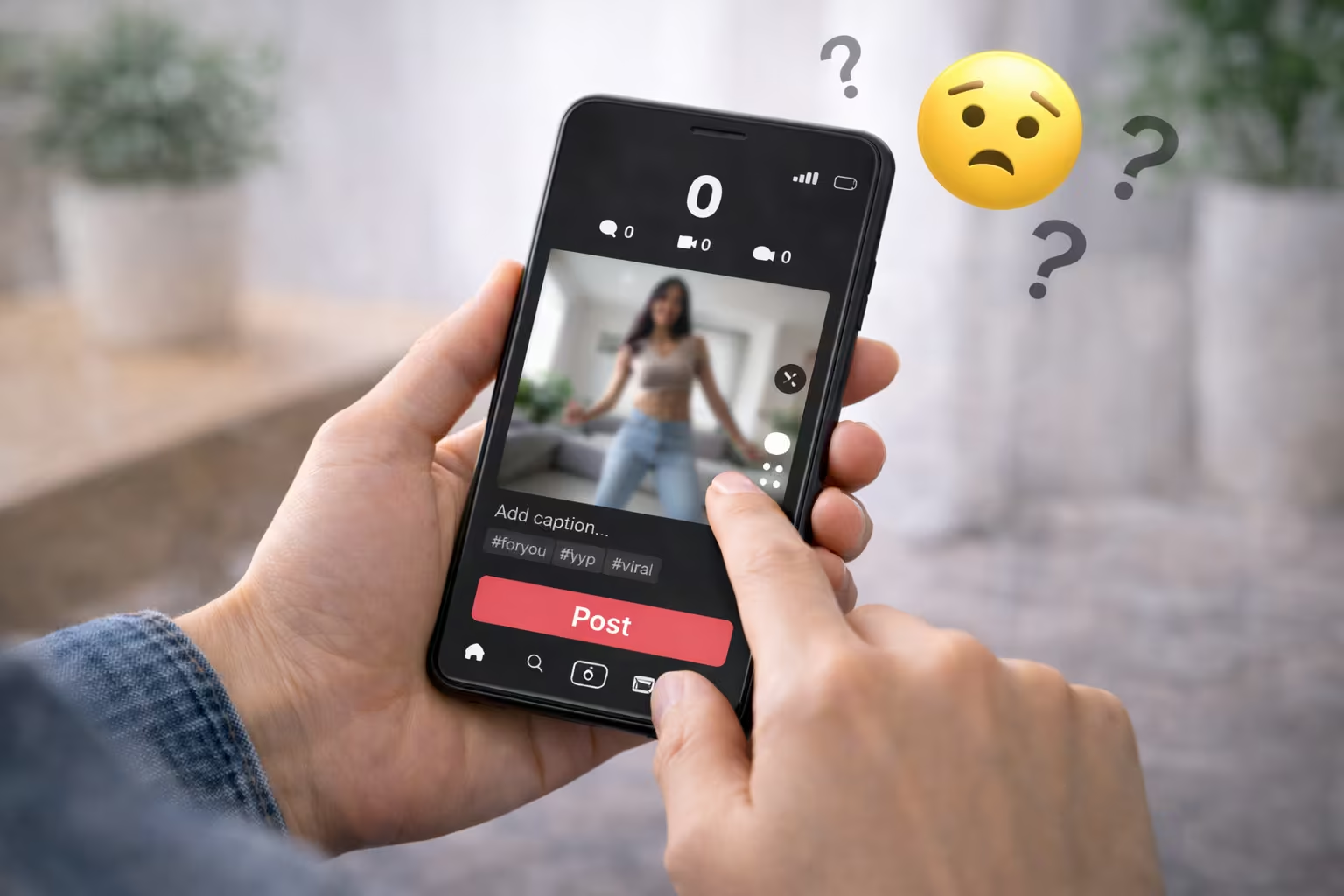
Seeing TikTok 0 views on a new post can feel like hitting a wall. It’s not always the TikTok algorithm’s fault. Sometimes, a video’s view count lags while it processes or while the app updates.
If your TikTok videos aren’t getting views, it’s time to investigate. TikTok’s Help Center lists common reasons. These include visibility settings, account limits, moderation, and posting issues.
Another reason is TikTok’s Community Guidelines. Some videos might be public but not show up in the For You feed. This can quietly slow down your video’s reach and engagement.
This guide will show you fixes you can do today, without spending money. We’ll cover quick checks, settings, content flags, and workflow updates. These tips work on both iPhone and Android.
What “0 Views” on TikTok Really Means (And When to Worry)
Seeing TikTok 0 views after posting can feel like a dead end. But, it’s often not the case. TikTok might take time to update your video, and what you see might not match what’s happening behind the scenes. A delay in TikTok’s view count is common, especially right after you post.
TikTok’s own guidance says reporting can take time to show up everywhere. So, even when your post is live, the view count might not update right away.
How TikTok counts views and when the counter updates
Think of a view as when your video starts playing. But, the public counter and analytics page don’t always sync. This can lead to a delay in TikTok’s view count, showing fewer or no views.
Refresh lag, server updates, and routine checks can slow down the visible count. So, if TikTok views don’t update, it doesn’t always mean your reach is blocked.
The difference between a slow start and true zero distribution
There are a few patterns that look similar but mean different things. Here are the most common scenarios people confuse with TikTok 0 views after posting:
- Normal lag: the video plays from your profile, but there’s a TikTok view count delay on the counter.
- Slow start: you get a small trickle of views in the first hour while TikTok tests it with a limited group.
- True zero distribution: it stays at 0 well past the usual window, and visibility checks suggest it isn’t being shown.
One quick clue is whether anyone else can load it. If it’s visible and plays smoothly, you may be dealing with TikTok analytics delay rather than a real distribution issue.
How long to wait before troubleshooting
Give it a little time before you assume the worst. In many cases, waiting 1–2 hours is enough for the counter and reporting to settle, especially if you suspect a TikTok view count delay. If it’s still stuck at 0 after a few hours, that’s when it makes sense to verify visibility.
- Open the video in an incognito browser window and see if it loads and plays.
- Check from a friend’s account to confirm it appears on your profile grid.
- Play it all the way through and confirm there’s no processing state or upload error.
If those checks fail and TikTok 0 views after posting remains unchanged, it’s more likely than not that the video isn’t being distributed yet, not just that TikTok views not updating is a display glitch.
Why Are My TikTok Videos Stuck at 0 Views? (Real Fixes That Work)
When a post stays at zero, it’s not magic or bad luck. TikTok’s Help Center says it’s about following rules and system checks. If your video isn’t showing on your for you page for hours, there might be a quiet block.
Start with a simple plan to avoid wasting time. Keep it simple and move step by step.
- Check visibility (public vs. friends-only)
- Check account restrictions (warnings, limits, age settings)
- Check guideline and copyright triggers
- Check technical upload (processing stuck, drafts glitch)
- Then improve search, retention, and early engagement
This order helps tackle common “0 view” problems, especially when videos aren’t getting pushed.
Shadowban myths vs. real distribution limits
Some think certain words will always block a video. Others believe new accounts are always suppressed. But TikTok’s limits are usually about following rules, not secret punishments.
You can still post and see your video on your profile. Yet, it might not get recommended to others. This can make it seem like your video isn’t showing, even if it looks fine.
Account trust signals that can stall reach
TikTok builds trust through consistent, human-like behavior. Spammy signals can slow down your video’s reach while it checks your account.
- Posting a lot right after creating a new account
- Rapid follow/unfollow cycles or sudden engagement spikes
- Frequent deletions and reuploads of the same clip
- Using third-party automation tools for posting or commenting
- Switching devices, SIMs, or IP locations repeatedly in a short window
Content flags that stop the video from being pushed
Some posts aren’t removed but get limited eligibility under Community Guidelines. This is a common reason videos aren’t pushed at launch.
Risky areas include unsafe stunts, misleading medical claims, implied self-harm themes, or mature topics. Copyright issues can also reduce reach, especially with unapproved audio use.
Posting patterns that can suppress early performance
Your first minutes matter, and repeated “test” behavior can backfire. Deleting and reposting the same video several times can look like manipulation and trigger limits.
Avoid back-to-back near-duplicates or switching niches every day. Also, fill in basics like a profile photo, bio, and steady topics. This helps build trust when your account looks complete and consistent.
Check for Hidden Account Issues: Restrictions, Privacy, and Age Settings
Maybe your video isn’t “bad content.” It could be blocked by a setting. A quick check of visibility, safety tools, and account type can quickly change TikTok privacy settings views.
Private account and “Friends-only” visibility settings
First, look at the video itself. When you open the post settings before publishing, make sure the audience is set to Public, not just TikTok friends. One simple toggle can quietly limit who sees it.
Then, check your account’s privacy setting. If your account is set to Private, only approved followers can watch. This can make it seem like “0 views” even if the upload worked.
- Open the post screen and review the audience for that single video.
- Go to privacy settings and confirm the account is not set to Private.
- Recheck after edits or reposts, since defaults can stick.
Restricted Mode, Family Pairing, and teen privacy defaults
Safety tools can also limit who sees your content. TikTok restricted mode filters what appears in feeds and search. It can also change how content is shown on a device.
If TikTok family pairing is enabled, a parent or guardian may have set limits. These limits can affect discovery, messaging, and what can be recommended. Teen accounts have stricter defaults, so date of birth and teen privacy controls may reduce public distribution more than you expect.
- Check whether TikTok restricted mode is on for the device you use to post.
- Look for Family Pairing controls tied to the account.
- Confirm your birthdate is accurate and review teen settings for limits on visibility.
Region/language settings that affect who sees your video
TikTok tests new posts with a small audience first. If your device language, content language, or region signals don’t match your intended U.S. viewers, early testing may go to the wrong crowd.
Avoid chasing “region tricks.” Instead, keep your language consistent in captions, on-screen text, and voice. This helps the system match your video to the right feed over time and stabilizes TikTok privacy settings views.
Switching account type (personal vs. business) and what changes
Your account type can shape performance in subtle ways. TikTok business account reach may shift because Business accounts often need to use the Commercial Music Library. This can limit access to some trending sounds.
Switching can still be worth it if you need clearer analytics, brand safety options, or ad tools. Before you change anything, note what sounds you use most. Then, pick the setup that fits your posting style and the audience you want to keep.
Content and Community Guidelines Triggers That Can Limit Reach
If a post seems risky, TikTok might limit its reach before anyone sees it. This can make it hard to get your content seen, even if it’s uploaded correctly.
Not all limits come with a clear warning. Sometimes, a video might show up on your profile but won’t reach many people.
Common moderation triggers: nudity, minors, self-harm, violence, drugs
Moderation systems check context, framing, and what viewers might report. In the U.S., borderline clips often get filtered. This includes suggestive angles, partial nudity, or themes tied to school settings and minors.
- Suggestive content that leans sexual, even if nothing explicit is shown
- Minors in scenes that could be misread, like bedroom shots or revealing outfits
- Self-harm references, injury “before/after” imagery, or graphic visuals
- Violence that looks real, plus threats or intimidation
- Drugs and alcohol, especially illegal activity, paraphernalia, or unsafe use
Copyrighted audio and reused content signals
Audio choices can quietly limit distribution. Using TikTok copyrighted audio that isn’t licensed for your account type can reduce availability. Business accounts may need sounds from the Commercial Music Library.
Re-uploads can also get flagged as reused content TikTok. This is especially true if the clip has a watermark from another platform or it’s a compilation with minimal changes. Simple fixes help more than repeated reposts: swap the sound, tighten the edit, add original voiceover, and make the video clearly yours.
Spammy behaviors: repetitive captions, overused hashtags, engagement bait
Low-effort patterns can look like spam, even when your intent is harmless. Repeating the same caption, stuffing broad hashtags, or posting near-identical clips back-to-back can slow distribution and raise integrity flags.
Be careful with prompts that push people to act in a forced way. The TikTok engagement bait policy can apply to lines like “comment YES if you agree,” “like for part 2,” or “tag 3 friends to win,” especially when the video doesn’t deliver value without that action.
Text overlays and captions that may trigger sensitive filters
On-screen text and captions are scanned, so wording matters. Phrases that sound like threats, self-harm, sexual services, drug sales, or illegal how-to tips can trigger sensitive filters, even in a joking tone.
If you suspect a limit, check the video’s status and any in-app notices, then appeal when that option appears. If audio is the issue, replace it; if framing or wording is the issue, re-edit with clearer context and safer language.
Instead of repeatedly reuploading the same flagged clip, publish a revised version with meaningful changes. That approach helps avoid another TikTok video ineligible for For You outcome and supports steadier TikTok community guidelines reach over time.
Fix Your Posting Workflow: Technical Upload Problems and App Bugs
When a post has 0 views, it’s often because of technical issues, not creativity. First, check if the upload is complete or if the app is still working. Sometimes, a video that seems posted is still processing, hiding early views.
Draft glitches, upload stalls, and processing errors
If TikTok upload is stuck, pause and check if the file is done. Open your profile, tap the video, and look for a spinning wheel or missing cover.
A TikTok draft glitch can stop you from publishing. If it won’t export or crashes, save the video to your phone. Then, create a new upload instead of trying to post again.
App cache, device storage, and network stability checks
Many problems come from storage, signals, or permissions. TikTok needs space to render and upload, especially for longer videos.
- Storage: Keep extra free space for temporary files.
- Connection: Try Wi‑Fi, then cellular for better stability.
- Data limits: Check Low Data Mode on iPhone or Data Saver on Android.
- VPN: Turn it off for a test upload, as it can cause timeouts.
- Background limits: If Background App Refresh is off, keep TikTok open until upload finishes.
If uploads fail twice, restart your phone before trying again. A temporary bug can clear after a reboot and a clean network reconnect.
Updating TikTok, reinstalling, and clearing cache safely
Outdated apps can misread upload status or stall. Update TikTok first, then try again.
If problems continue, clear TikTok cache in settings. This removes temporary files that can corrupt uploads. Back up important drafts to your device before reinstalling.
- Update the app.
- Run TikTok clear cache.
- Log out and back in.
- Reinstall only if the issue persists.
Video format basics: aspect ratio, resolution, bitrate, and length
Choose simple export settings to avoid processing errors. For best TikTok video settings, use 9:16 vertical, avoid heavy letterboxing, and export at 1080×1920 when possible.
Use a reasonable bitrate to avoid a muddy video after compression. Also, check the first second of your export. Black frames, stutters, or audio desync can signal an encoding problem and slow processing on upload.
Improve Discoverability with TikTok SEO, Captions, and Hashtags
TikTok is now a search tool, not just a scrolling app. Many people in the United States type a question and watch the top videos that answer it. If your post is hard to label, it may struggle to find the right viewers.
That’s why TikTok SEO is important, even with strong content. Clear topic signals help match you to real searches. They also help viewers trust what they’re about to watch.
Using searchable keywords in on-screen text, caption, and voiceover
Choose one main query and say it the same way in three places. Use TikTok keywords that match what your viewer would type. Be honest, or watch time drops.
- On-screen headline (first 1–2 seconds): “How to rank on TikTok search for local services”
- Spoken line: repeat the same phrase early in the video
- Caption first line: start with the query, then add one detail
For captions for TikTok, write like you’re finishing the viewer’s sentence. “Here’s the exact setting to check…” works because it sets a clear promise and reduces guessing.
Hashtag strategy for the US: niche tags, intent tags, and avoiding junk tags
A smart TikTok hashtags strategy US keeps your tags tight and relevant. Hashtags should describe the topic and the viewer’s goal, not chase random reach.
- 2–5 niche tags tied to the topic (your category, format, or problem)
- 1–2 intent tags like “howto” or “review” to match search behavior
- Optional: 1 branded tag if it’s consistent across your posts
Avoid dumping broad tags like “fyp” or “viral” when they don’t add meaning. They can blur your signal, especially if your caption and on-screen text are specific.
Hook + caption formula to drive watch time and retention
Watch time is a ranking lever, so start with clarity. Use TikTok hook ideas built around a simple structure: problem + specific promise + timeframe.
- “Your TikTok stays at 0 views? Fix this in 60 seconds.”
- “Stop losing reach—3 checks to do before you post today.”
Pair the hook with captions for TikTok that set expectations. A tight caption like “Here’s the exact setting to check before uploading” gives viewers a reason to stay to the end.
Choosing sounds and categories that match your audience
Sounds and categories should support the message, not fight it. If you force an unrelated trending sound, your video can feel confusing. The system may test it with the wrong crowd.
If you use a Business account, stick to TikTok’s Commercial Music Library when it’s required. The goal is simple: match the vibe your audience expects. Reinforce the topic with TikTok keywords and keep the experience consistent from start to finish.
Timing, Consistency, and Early Engagement Signals That Unlock Distribution
TikTok starts by showing a new post to a small group. What happens next depends on early signals like watch time and shares. Strong watch time retention shows the app your video is worth sharing.
Instead of following a generic best time to post, use your own data. In TikTok Analytics, check Follower activity and post near those peaks. This approach makes your TikTok posting schedule fit your audience, not the internet.
TikTok consistency is key because it helps the system learn who enjoys your topics. Big gaps or switching niches too often can slow this learning, especially for new accounts. Aim for a steady posting schedule, like a few posts per week, with related themes.
The first hour is crucial for TikTok early engagement. Keep your posts simple and human, avoiding anything that looks forced.
- Reply fast to real questions to keep the thread active and useful.
- Share the video to places where people already know you, like Instagram Stories, group chats, or the YouTube Shorts community tab.
- Pin one helpful reply that adds context, fixes confusion, or points viewers to a key moment.
- Skip buying engagement or using pods; low-quality activity can hurt performance.
Retention is another key area you control. Put the strongest visual or payoff in the first seconds. Trim slow intros and add small pattern breaks every few seconds. Make the ending feel necessary to boost watch time retention.
If you want a realistic rhythm, pick a cadence and protect it. A consistent TikTok posting schedule makes testing easier. It helps you spot your best time to post on TikTok US by comparing similar posts. Over time, TikTok consistency plus steady early engagement gives each upload a better chance at wider distribution.
Quick Troubleshooting Checklist for TikTok 0 Views (Do This Today)
If your TikTok video isn’t showing, check if it’s Public. Make sure your account isn’t set to Private. Try opening the video from another account or device to see if it loads.
If it still won’t play or is stuck, you might have a real zero-distribution problem.
Next, do some quick fixes inside TikTok. Check if Restricted Mode or Family Pairing is on. These can limit who sees your videos. Also, look for any Community Guidelines notices or removed audio.
If using a sound caused the problem, try a different one. This might solve the issue.
To fix TikTok reach, don’t delete and repost too much. It looks spammy and doesn’t help. If you used copyrighted music, find a licensed one. TikTok’s Commercial Music Library is a good option.
Also, clear your cache, check storage, turn off VPNs, switch Wi-Fi, and update TikTok before uploading again.
Once your video is live and visible, focus on growth. Make the first two seconds count. Add clear keywords and keep the caption focused for the algorithm.
Post your next video on a consistent topic. Use a clean US niche hashtag set and intent tags. This will help your reach grow.